Garment Image Requirements
To achieve the best try-on results, please follow these guidelines when preparing your garment photos.
Image Types
SPREEAI accepts two types of garment images:
- Flat lay images - Flat garments photographed against a plain background.
- On body images - Models showcasing the styled garments in a variety of poses.
Best Practices
- Use consistent lighting across all images
- Ensure colors are accurate and not over-processed
- Avoid heavy shadows or reflections
- Keep backgrounds simple and uncluttered
- Capture true-to-life fabric texture and details
Image Specifications
This table is the single source of truth for garment image specifications. Other documentation pages link here instead of restating these values.
| Requirement | Specification |
|---|---|
| Resolution | Minimum 384 x 512 pixels. For best try-on quality, ~4K resolution is recommended. |
| File Size | Minimum 250 KB |
| Format | JPEG (.jpg or .jpeg) or PNG (transparent PNG supported) |
| Orientation | Portrait (preferred) |
Flat Lay Images
For flat lay photography:
- Front-facing orientation
- Garment should be unfolded and laid flat
- All garment details should be clearly visible
- Clean, neutral background recommended
On Body Images
Required
- One clear front-facing image:
- Full body shot, OR
- Half body shot that clearly shows the complete garment (for tops and bottoms)
- No obstruction by accessories (bags, scarves, etc.)
- Model should be standing naturally
Optional
- One back-facing image showing the garment from behind
Examples
Below are examples of good garment images showing both flat lay and on body shots.
Example 1: Full Body Model Shot
| Flat Lay | On Body |
|---|---|
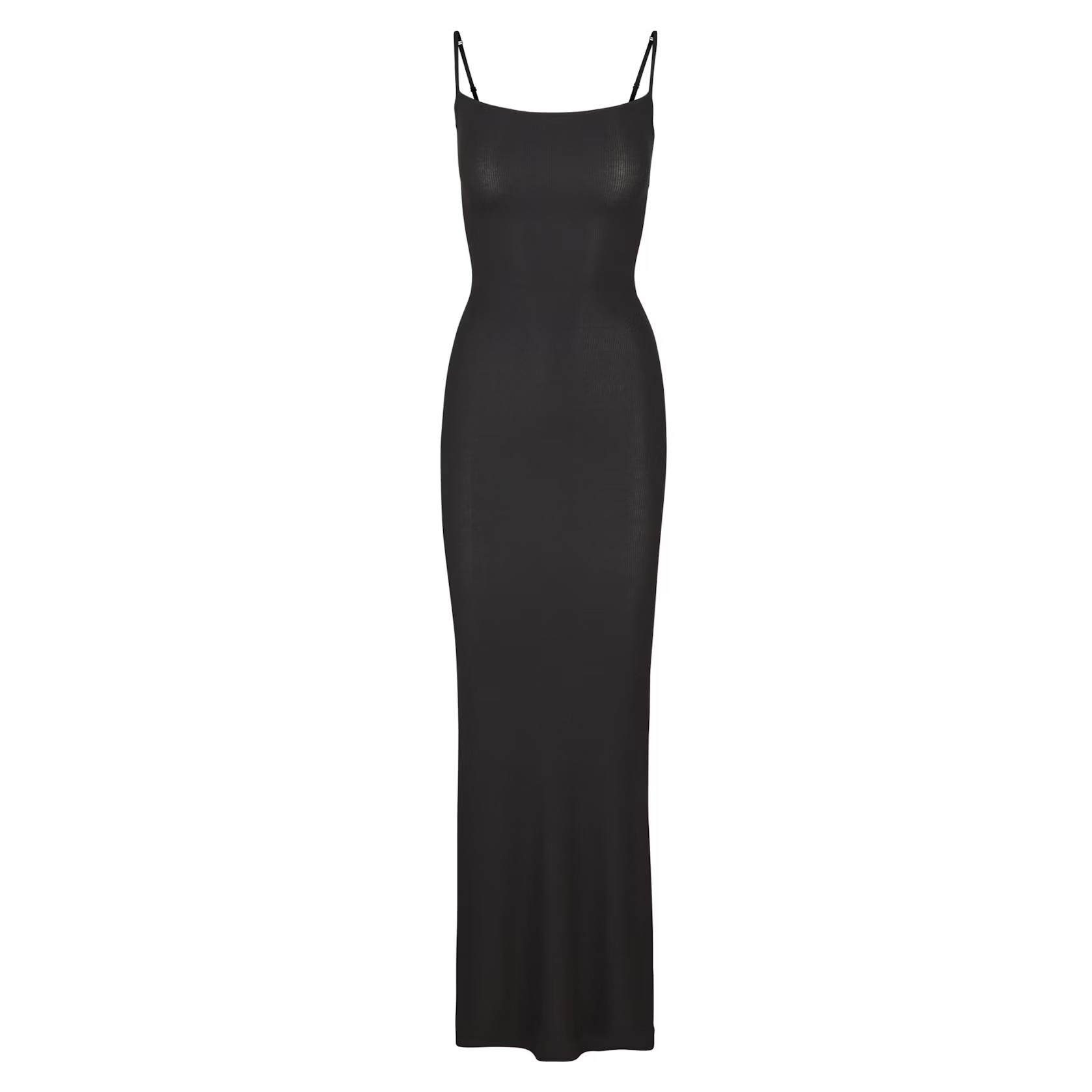 | 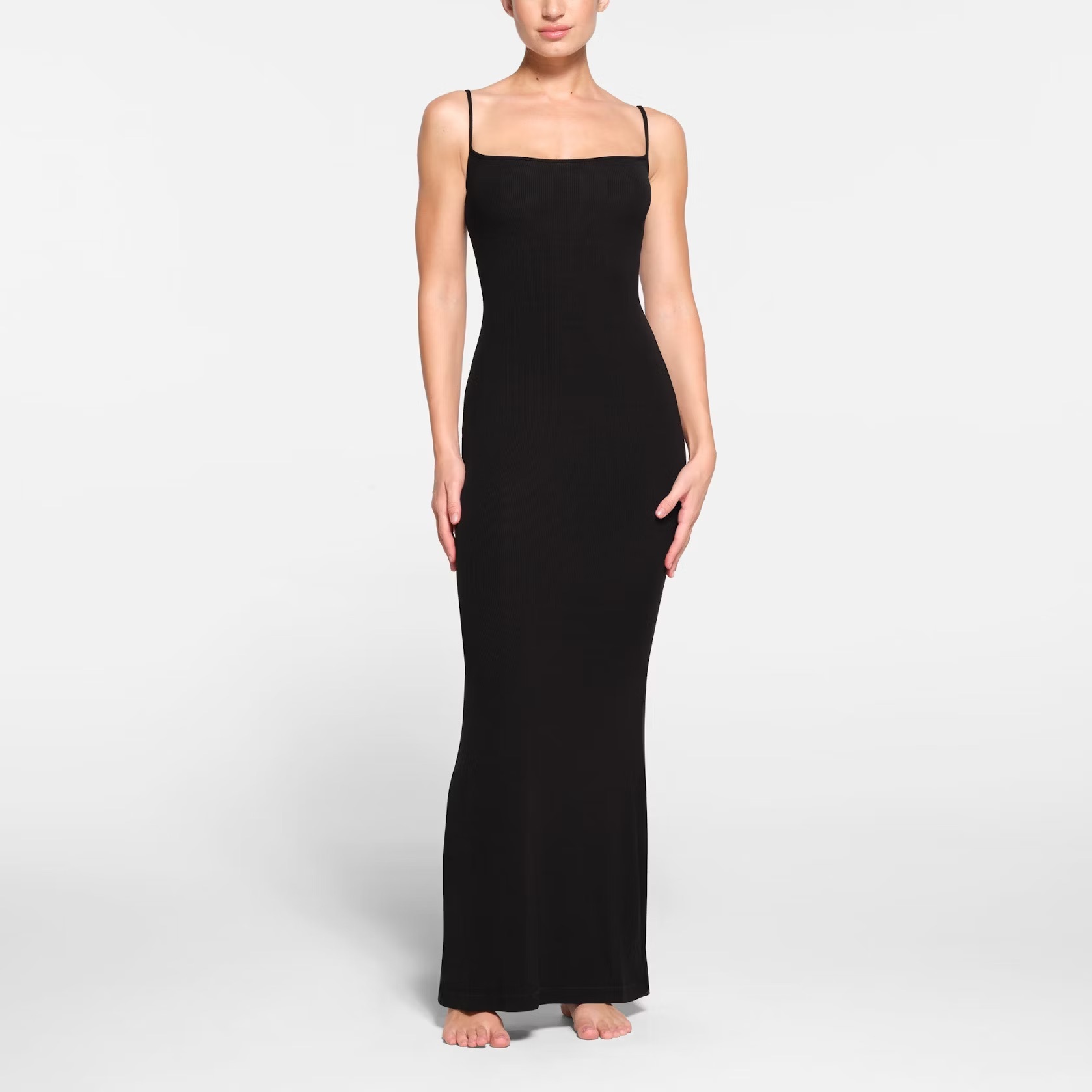 |
Example 2: Half Body Model Shot
| Flat Lay | On Body |
|---|---|
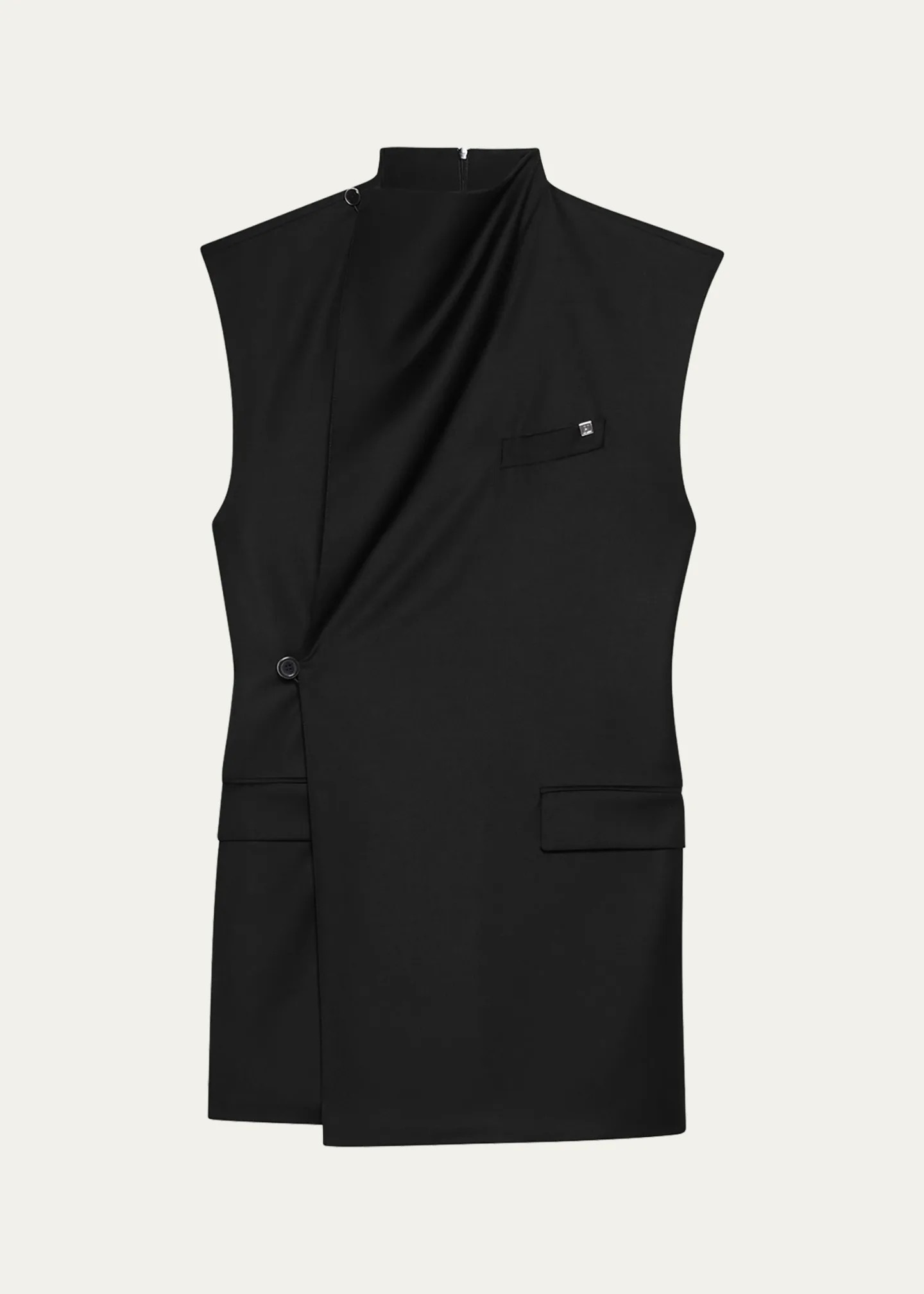 | 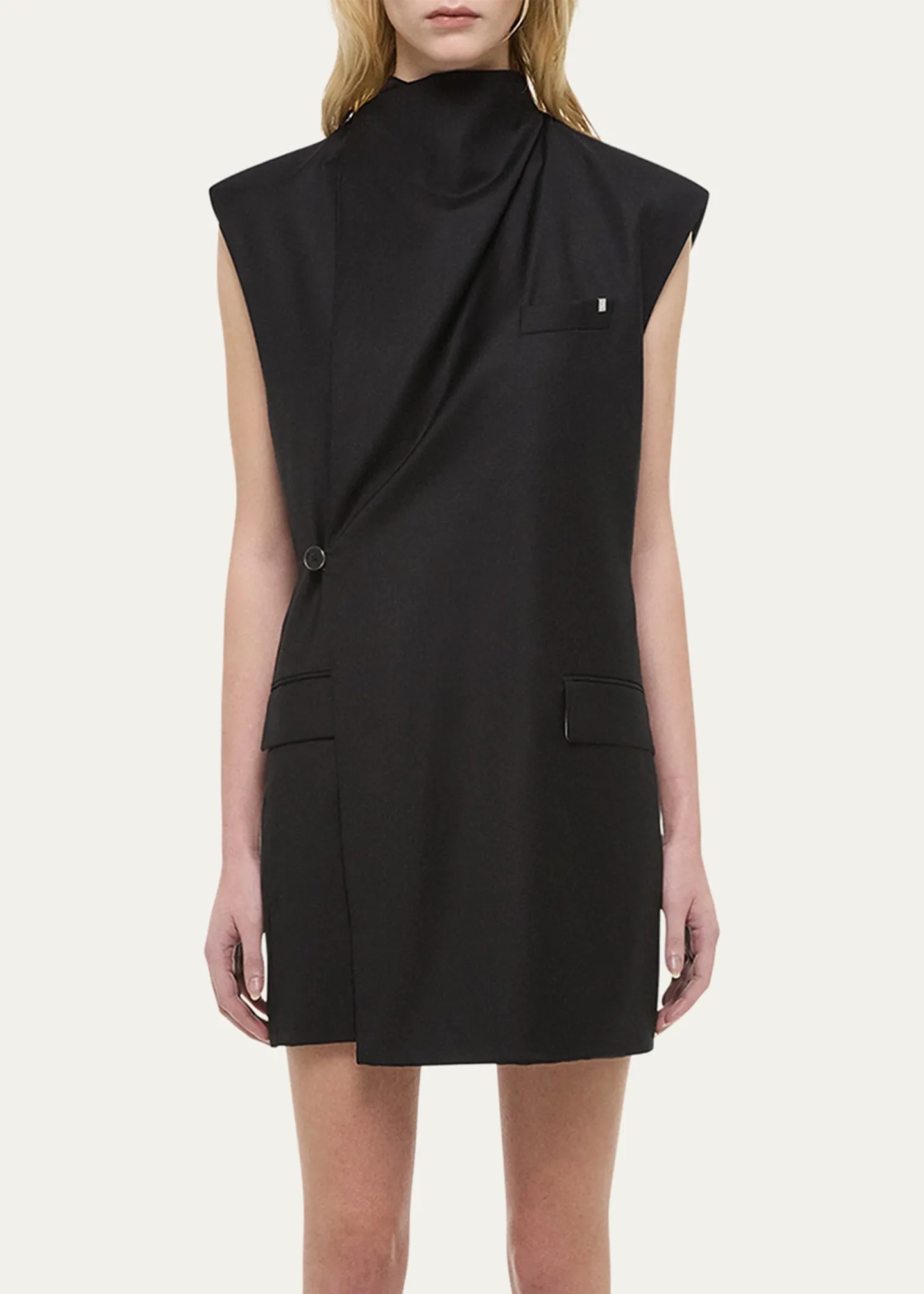 |